Date: January 19, 2026
Duration: 9:59
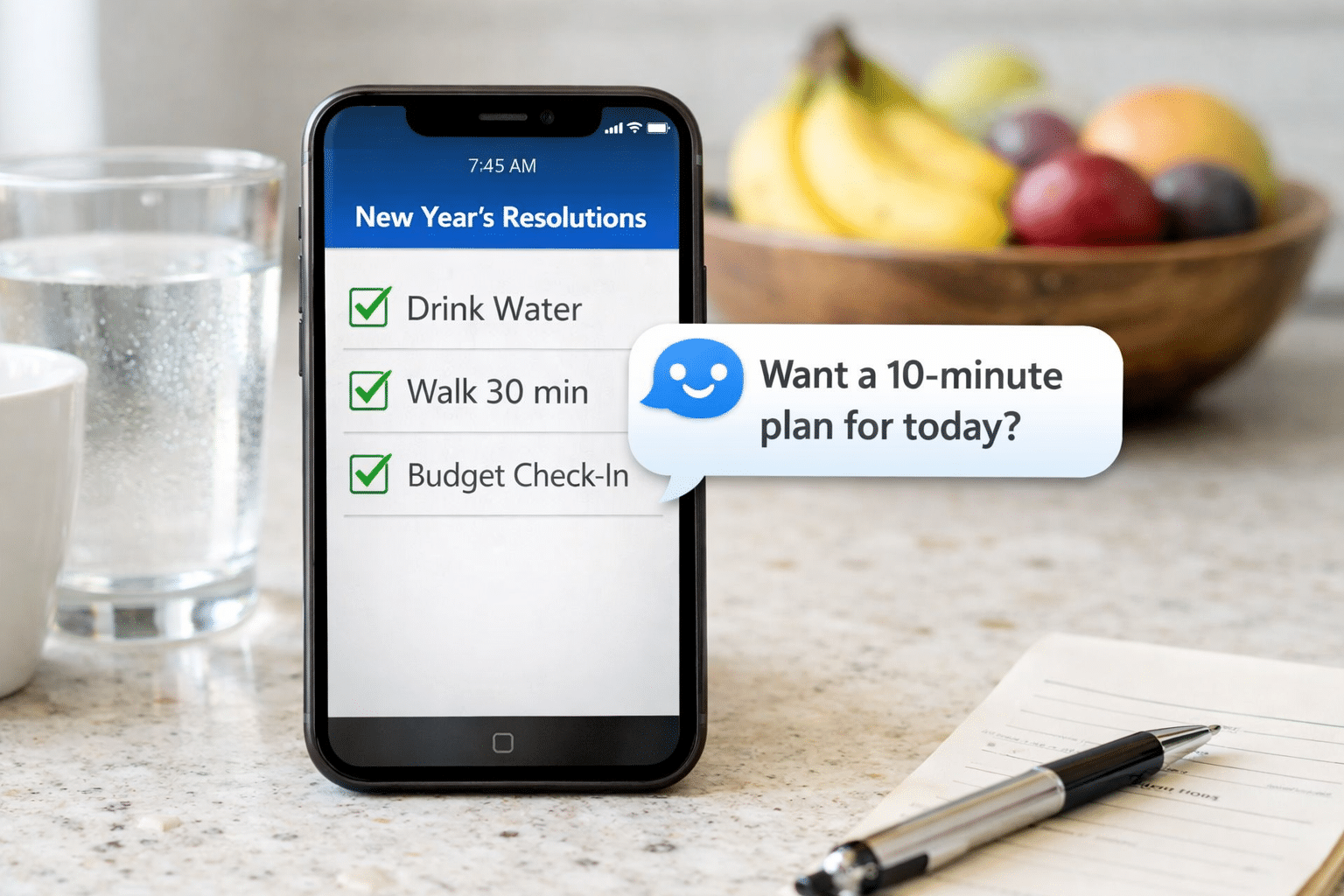
On this episode of the Mason Vera Paine Show, Google Trends expert Molly McHugh-Johnson joins Mason Paine to talk about how AI can help you stick to your New Year’s resolutions. Molly McHugh-Johnson shares some of the latest Google search trends around resolutions, revealing what goals people are setting for themselves as the year begins. From creative goal-setting to making vision boards and planning adventure bucket lists, Molly explains how tools like Gemini can help make the process more personalized and motivating.
Episode Highlights: Tech Help In New Years Resolutions with Molly McHugh-Johnson
- 0:31 – Molly McHugh-Johnson shares insights from Google search trends, revealing that people are seeking help with creating goals for the new year, from “good goals for 2026” to supplies for vision boards, which saw a 180% spike.
- 1:54 – Molly McHugh-Johnson explains how AI tools like Gemini can encourage creativity in resolutions, including generating personalized vision boards and adventure bucket lists, highlighting a 140% increase in searches for bucket list ideas.
- 3:14 – Molly McHugh-Johnson discusses practical AI applications for managing finances, such as generating budgets in Gemini and using Gmail to discover unwanted subscriptions, making it easier for people to save money.
- 4:23 – Molly McHugh-Johnson outlines how Gemini can create comprehensive meal plans and grocery lists to help users achieve health goals like eating more vegetables, and even recommends affordable vegetarian restaurants.
- 6:01 – Molly McHugh-Johnson encourages setting flexible timeframes for resolutions, emphasizing that users can adjust their goals and habits through AI-powered check-ins, making it easier to stay motivated and pivot as needed.
New Years Resolution Segment Transcript
Announcer – 0:00: Mason Vera Paine
Mason Paine – 0:02: Every year, people set New Year’s resolutions with the best intentions, and by the fifth day, they are broken. This year, AI may help you stay on track to keep that resolution going. Joining me to explain how AI can help in your New Year’s resolutions is Google Trends expert Molly Nikhee Johnson. Thanks for joining me, Molly.
Molly McHugh-Johnson – 0:21: Thanks for having me.
Mason Paine – 0:23: So with the beginning of the year comes change. And for a lot of people, they want to bring change into their life. So tell me, how can AI help in that?
Molly McHugh-Johnson – 0:31: So we took a look at some of the Google search trends around New Year’s resolutions and not too surprisingly, there were lots of interesting things people are looking for. Some of the things that I kind of like to point out are just that people are looking for help, even creating goals. So we saw people searching for things like good goals for 2026 or work goals. That was a really top trending one over the last month. For things like vision board, we actually see vision board supplies that rose 180% over the last month and its vision board spikes every January. So, yeah, people are clearly interested in making goals. And if you maybe just you feel like you have kind of a blank space in front of you, you’re not exactly sure what you want to do this year or how to kind of go about it. I have been saying that going to Gemini is a great place to get started so you can kind of just have this more natural language conversation.
Molly McHugh-Johnson – 1:24: You know, things that you like to do, things you don’t like to do. Maybe some things you did last year, things you have on your calendar that you know are going to be things you have to plan around. You can sort of start to have this conversation that brings your year its focus and helps you actually pinpoint some of these goals you might want to accomplish.
Mason Paine – 1:40: I know personally, every year I feel like it’s the same goal. Lose weight, eat better, wake up earlier. But is there any way like AI could help you out in thinking of something outside of the box?
Molly McHugh-Johnson – 1:54: And I think that’s like a great thing you could put in right there. You know, say I want to come up with something really creative, really original. Another thing that you could always look into. I like to, you know, some people are just more visual learners. So another thing that you could do with Gemini is sort of like describe your interest, describe the things that like really excite you or the things that you find really interesting, and ask it to come up with like its own vision board for you for your year. And it can use our image Generation model to actually kind of like, plot it. Like beautiful graphic that kind of brings your year into shape and maybe kind of inspires you. That’s like, another option.
Molly McHugh-Johnson – 2:32: And, you know, we did see some interesting search trends outside the normal. You know, lose some weight or wake up early or work things we actually saw. The one I thought was kind of fun is that people are actually looking into Adventure Bucket list that rose 140% over the past month, as did Scratch off bucket List. So we’re looking at people who are making those, like, scratch off things to hear. Here’s all the places I want to go this year, and I thought that was really cool. And we have some AI tools that can, like, help with travel planning and stuff, too. So that’s kind of a more. A more fun one.
Mason Paine – 3:04: One that I can think of a little bit unique, and I’m not sure AI could help you with. This is my mother had one. She wants to spend less money. Is there a way you could do that?
Molly McHugh-Johnson – 3:14: Oh, my gosh, yeah, totally. I mean, again, we could ask Gemini to come up with a budget for you or maybe, like, subscribe to it. What you spend a lot, what you feel like you spent the last month spending your money on, and it can kind of tell it, you know, hey, find some area where you think I can save money or come up with a list for me of surprising things people don’t know about what can kind of help save some money. I guess another one that’s always really interesting is, you know, seeing what you’re subscribed to that you might not know. So we actually in Gmail have a feature that where you can see all of your subscriptions. And it’s a really good way. This is mostly for, like, you know, your inbox is getting really cluttered. If you subscribe to all of these newsletters, it’s a quick way to see all of that, but it’s also a way you can find out, you know, oh, wow.
Molly McHugh-Johnson – 4:00: I’m getting this email from this subscription service every month. I didn’t even realize I hadn’t signed up for. So that’s another kind of, like, little thing you could do.
Mason Paine – 4:08: Is there a way to do more than one? Like, things that are kind of, like, in conjunction with each other? Like, one of mine was to eat more vegetables every meal. But would it give me meal ideas, too, along with, like, a plan on how to do it?
Molly McHugh-Johnson – 4:23: Yeah. Yeah. You could say something like, okay, I want to eat more vegetables. And I would love a multifaceted approach to this. So Ask for things like, I would love a grocery shopping list that worked alongside a meal plan. We come up with that meal plan. For me, I plan to cook at home at least three days a week. So using all of that and maybe keep in mind that I also want to save some money.
Molly McHugh-Johnson – 4:47: And so, you know, think of things that might be a little more affordable that I might not be thinking of. You can even add in things like, what are some of the great restaurants in town that are focused on vegetarian dishes so you don’t have to just cook at home? But using all of that, you could come up with sort of this, you know, month long, three month long, however long you kind of want to look at it, plan. And then if you really want to take it the extra mile, you could actually use the image generation part of Gemini as well and ask it to like, make it into a visual calendar for you. But you have this look of like, here are the days you’re going to grocery shop, here are the groceries you’re going to buy, here are the restaurants that maybe you should try on weekends, and here are the three days a week that are the meals that’ll correspond to that grocery list. So you really could go there. It’s sort of a one stop shop for all of your New Year’s resolution makings. And it’s great because you can just sort of have it in this, like, extreme, extremely natural conversation.
Mason Paine – 5:43: Oh, wow. So I see. I was under the impression that it would be like goal oriented. So it’d be like, oh, I just want to do something over the course of time. And my goal is like, I want to lose 50 pounds. But you could do like three months and just set it that way.
Molly McHugh-Johnson – 6:01: You are such. You are so the driver of how this all goes if you really want to stick. I want to make New Year’s resolutions and you kind of hear the conversation that way, that’s totally fine. But maybe you want to be a little bit broader with it and say, you know, I want to work on this over the next two months and you know, revisit over the next few months and see if you want to change things and kind of adjust them. You know, New Year’s resolutions are really hard to keep. So I’m personally a fan of like a two to three month check in to make sure you still even want to do that goal or that new habit. So it’s not a bad idea to kind of try it that way.
Mason Paine – 6:35: Wait, you could do check ins. So like halfway through I could be like, hey, I, I Want to ditch the vegetables and instead of every meal I just want to do it once a week.
Molly McHugh-Johnson – 6:43: Sure. Oh yeah, absolutely. It’s very like up to you how you kind of keep this conversation going, you know, I mean if you wanted to start out with like here’s the list of things from our conversation. I decided I want to be my goals. Can you come up with a monthly second list for me? And then you can always refer back to that list and change it as you go. It’s all kind of like up to you.
Mason Paine – 7:05: It’s really interesting. What about for those who don’t even know where to start?
Molly McHugh-Johnson – 7:10: If you feel like you’re in this like very blank page area, I would just suggest always going to gemini.google.com and and just kind of starting to tap through some of these ideas or download the Gemini app. I really can’t emphasize enough how much you will just be chatting in a normal way. Like it’s we were talking right now and kind of having this conversation that helps you figure out your goals. So those are two really great places to start. And I would also say that going just to Google search, we have a function called AI mode and it’s very natural language friendly as well. So it’s another great place to get start kind of asking questions and seeing what you come up with.
Mason Paine – 7:45: So you can just Google too and do the Gemini in conjunction. So like let’s say because you said about the work stuff like you had work goals, what about like interview stuff? Like could you do that? Like could it help you with this?
Molly McHugh-Johnson – 7:59: Totally. Yeah. If I my goals was I want to get better doing interviews. That’s something I could go to Gemini and kind of have a conversation, you know, here maybe you could even, I’d even send it a YouTube video of my last interview and say like can you give me some pointers on this? And then come up with a year long goal planning kind of schedule for me and create some checklists like that’s all stuff you can do within Gemini. So I think that for people who are just kind of, you know, starting at zero but want to thought about finding ways to set goals and then keep them, it’s like your best to start. Oh wow.
Mason Paine – 8:35: It sounds like you can do a lot. I didn’t know you can incorporate videos. That’s like a lot of stuff you could put in there to get like a really good information back from Gemini.
Molly McHugh-Johnson – 8:45: Yeah. And you can upload an image. So I mean it’s kind of going back to the travel thing. Something that you can do is in AI mode. So if you’re on google.com, google search, you’ll see like a little thing you can click that says AI mode. And something I’ve been doing for like trip planning is I’ll, I’ll upload a photo of a beautiful place and I’ll say something like help you plan a three day trip somewhere within dragging to put my home that feels like this photo. So you know, it’s very like it’s kind of the vibe of the planning. You don’t have all the details yet or know exactly what you want to do but it will start planning things and give you like oh well this town actually might be a great option for you.
Molly McHugh-Johnson – 9:29: Yeah. If you have some travels or adventure bucket list goals I would say that’s another one to kind of check out and see if you come up with some some good destinations.
Mason Paine – 9:37: Well Molly, thank you so much for joining me. And for those listening, where can they find more information about all the things we talked about.
Molly McHugh-Johnson – 9:43: Trends.google.com if you to learn more about what everyone’s searching for and gemini.google.com is an excellent place to start. You know the chatting to come up with some goals or anything else.
Announcer – 9:55: This has been the Mason Vera Paine Show. Thanks for listening.
Like Mason on Facebook at: Facebook.com/MasonVeraPaine and follow on “X”at: X.com/MasonVeraPaine. Interested in being a guest on the show or wish to send pitches contact us at: Contact@Masonverapaine.com